


Workshop · 29 September 2026 · 90 minutes
AI in compliance. From findings to your own workflow.
Bratschi AG and MMIND.ai
Christian Wind, Hartmut Hübner and Zeno John
Agenda
17:00 to 17:15
Welcome, introductions and a short conversation
Christian Wind welcomes the group. Each person says their name and role. Then speak in pairs for two minutes.
Introductions and pair discussion · Christian Wind, Hartmut Hübner, Zeno John
17:15 to 17:25
What compliance professionals report
Survey findings and the first live question: where does manual work take time?
Talk and live question 1 · Christian Wind
17:25 to 17:35
Chat, folder or your own app
Three approaches for the annual risk assessment.
Talk · Hartmut Hübner
17:35 to 17:45
Exercise 1: where do you stand?
Choose processes, your current approach and data class. Then view the results and mark where a person decides.
Individual exercise · Hartmut Hübner, Christian Wind, Zeno John
You take away: Your assessment as a PDF
17:45 to 17:55
A process you can read
See how a Skill puts a workflow into writing. Then a Computer Use demo and live question 2.
Talk and demo · Hartmut Hübner, Zeno John
17:55 to 18:10
Group demo: regulatory monitor
The group chooses a topic and rules. We show the Skill and check its result, original source and human decision point.
Live demo and source check · Hartmut Hübner, Christian Wind, Zeno John
You take away: Checked sample workflow and a case to take forward
18:10 to 18:20
Limits and responsibility
Data, errors, the AI Act and clear decisions. With live question 3.
Talk and live question · Christian Wind
You take away: Governance checklist
18:20 to 18:30
Next steps and the full-day workshop
Two or three team workflows, Skill Generator, offer and questions.
Closing and questions · Christian Wind, Hartmut Hübner, Zeno John

Exercises and material

Exercise 1 · 10 minutes
Where do I stand?
Three questions about the processes that come up most often. Then you see your assessment.
Open →
Group demo · 15 minutes
Test a regulatory monitor live
We build a sample on the presenter’s computer, check a source and show where a person decides. You can try the template later in the hub.
Open →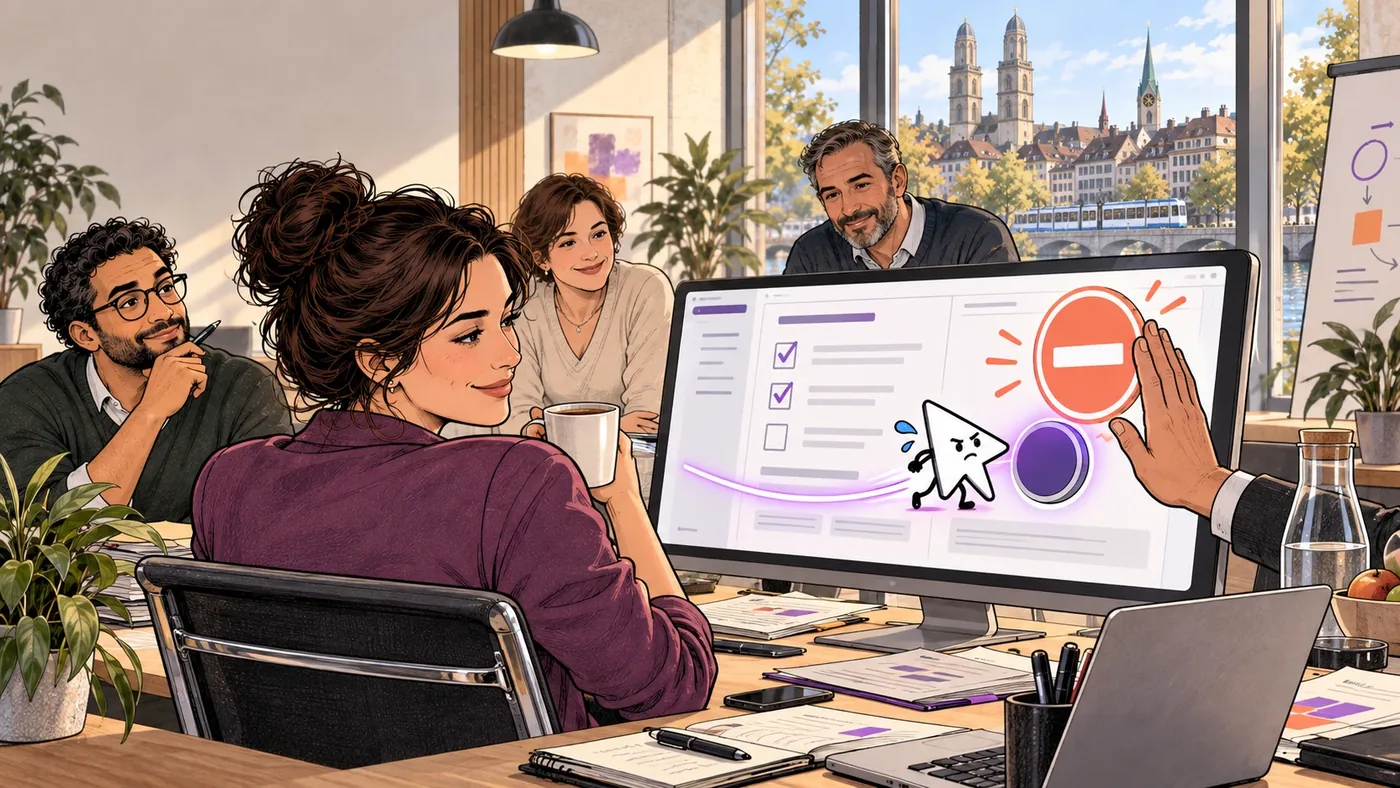
Demo · Computer Use
AI operates the screen
What is new, the “two out of three” rule and the demo with the practice register.
Open →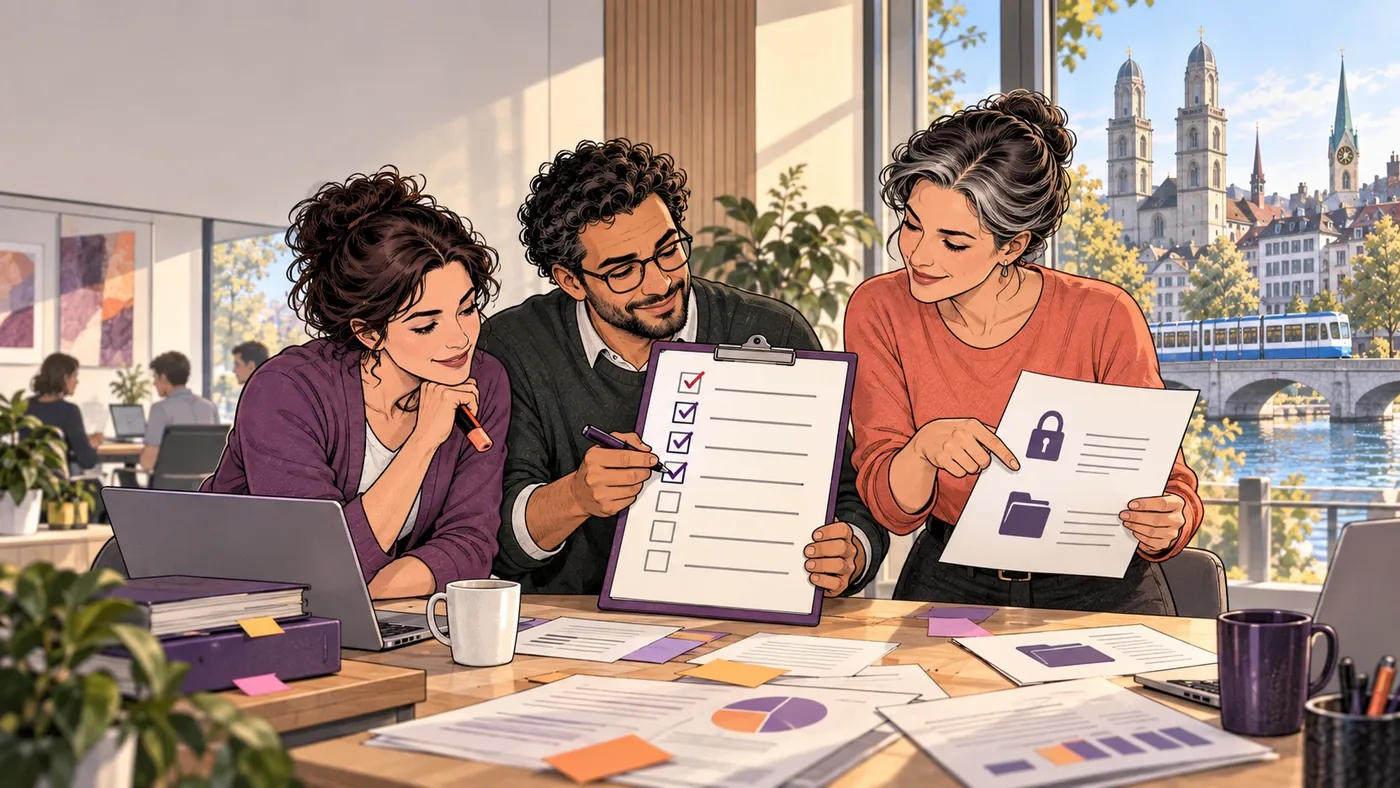
Material
Checklist and feedback
Governance minimum, example skill, contact and next step.
Open →Exercise 2 and the checklist do not store any input on our servers. Exercise 1, the live questions and the feedback store your answers without names. We do not ask for names or email addresses. Response tables contain no IP addresses. Technical service logs may contain connection data. Do not enter confidential information in free text.